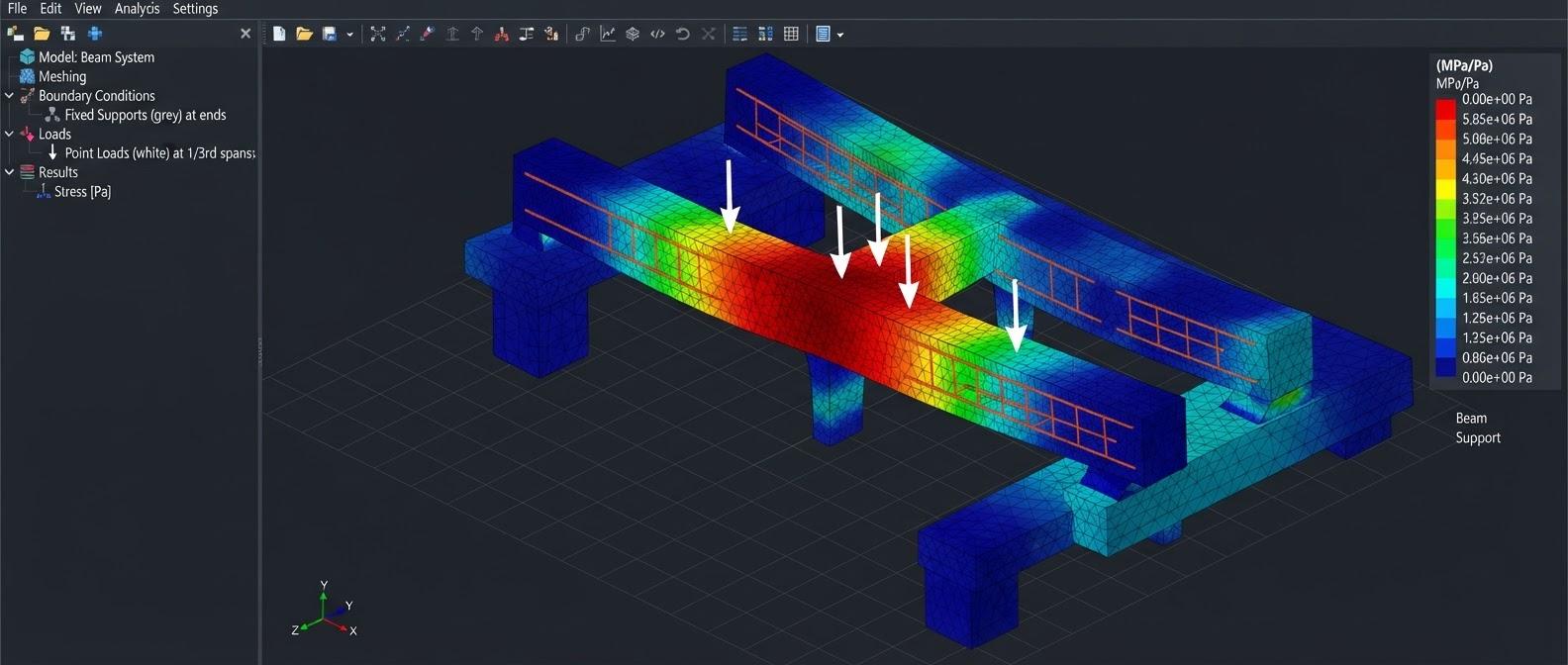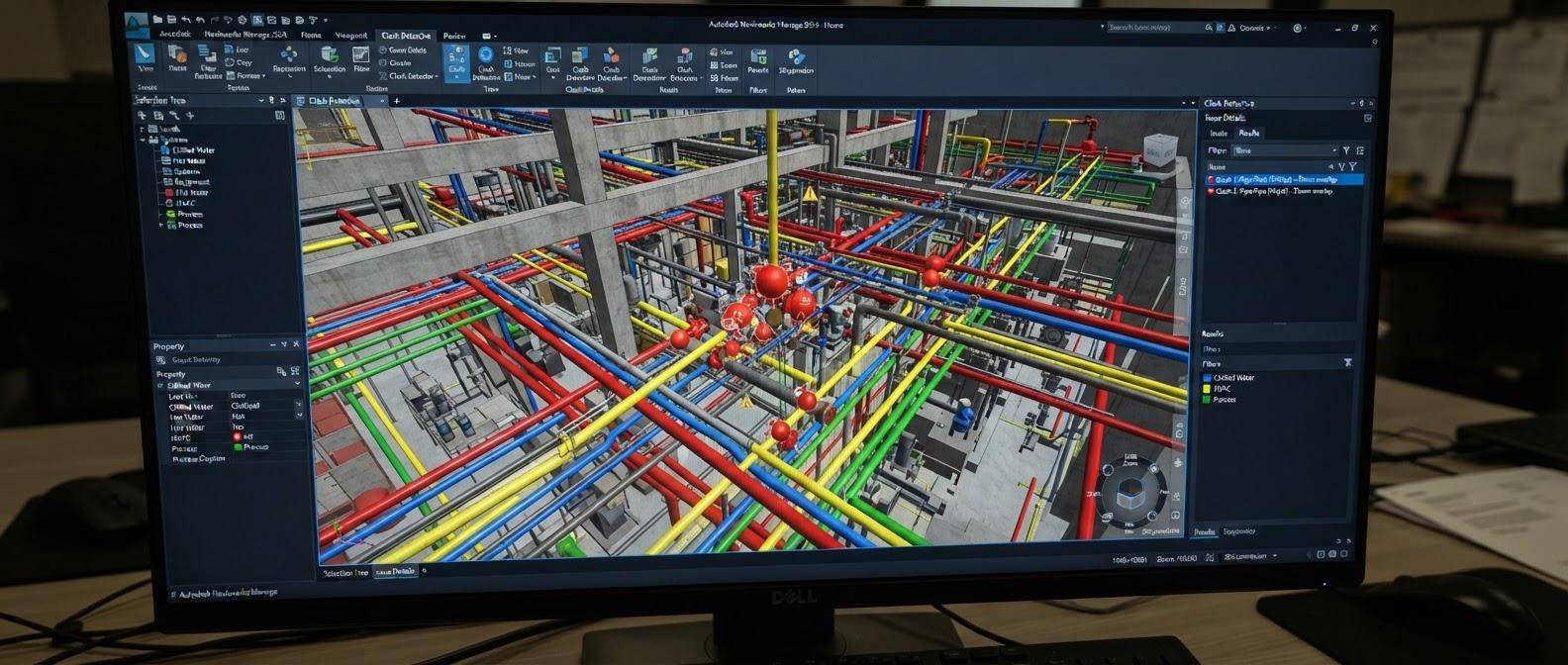
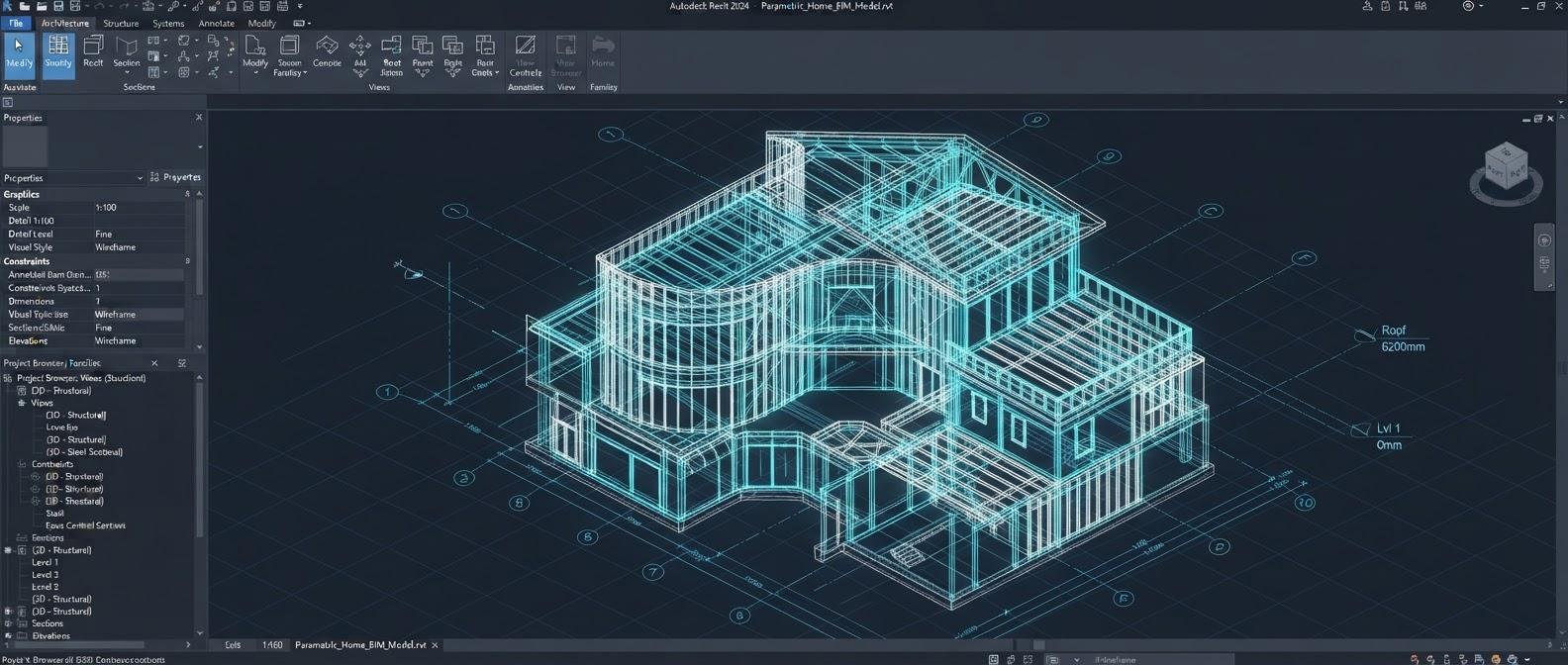
Revit Architecture
The complete architectural BIM workflow in Autodesk Revit — project setup, modeling, families, documentation, schedules, worksharing and live projects.
View DetailsMechanical, electrical, plumbing and fire protection BIM in Revit — discipline-wise modeling, intelligent systems, documentation, coordination and four live projects.
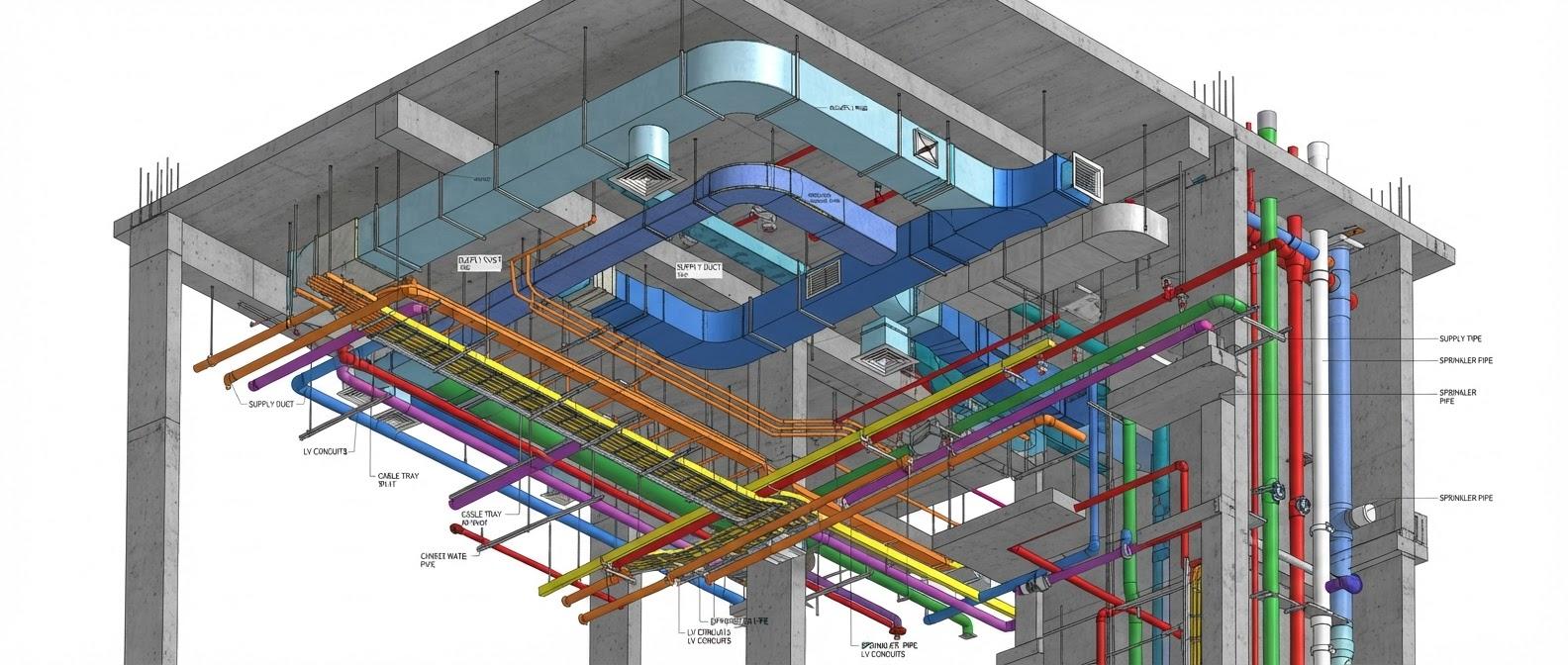
A 4-month professional course that builds job-ready Revit MEP skills discipline by discipline. You start with Mechanical/HVAC — equipment and plantrooms, duct and hydronic systems, ventilation, sizing workflows, VRF/VRV and shop drawings — then move through Electrical (lighting, power, panels and circuits, cable trays, conduits and ELV systems), Plumbing (water supply, drainage, rainwater, risers and pump rooms) and Fire Protection (sprinklers, fire risers, fire pumps, hydrant and wet riser systems). An integrated part covers linking, shared coordinates, Copy/Monitor, worksharing, view templates, schedules, clash review, QA/QC and sheet setup. You apply it all on four live projects — a commercial building, a hospital, a residential tower and an industrial/office facility — and finish with interview preparation and a portfolio.
M01 HVAC BIM fundamentals & workflow · M02 Project setup, levels, spaces & zones · M03 HVAC families, connectors & parameters · M04 Mechanical equipment & plantrooms · M05 Duct systems & duct fittings · M06 Air terminals & air distribution · M07 HVAC piping & hydronic systems · M08 Ventilation & exhaust systems · M09 Duct & pipe sizing workflow · M10 Flow & pressure information
M11 HVAC details, tags & schedules · M12 HVAC coordination & QA/QC · M13 Chilled water plantroom modeling · M14 VRF / VRV system modeling · M15 Mechanical pipe accessories & valves · M16 Duct insulation & system graphics · M17 Equipment clearances & maintenance zones · M18 HVAC risers & shaft coordination · M19 HVAC shop-drawing documentation · M20 HVAC model review & delivery
E01 Electrical BIM fundamentals & project setup · E02 Electrical families, devices & connectors · E03 Lighting fixtures & lighting layout · E04 Power devices & receptacles · E05 Panels, circuits & distribution · E06 Cable trays & fittings · E07 Conduits & conduit fittings · E08 Electrical equipment & risers · E09 Electrical systems & connectivity · E10 Panel schedules, tags & data · E11 Electrical documentation & sheets · E12 Electrical coordination & QA/QC · E13 Lighting control & switching workflow · E14 ELV / low-voltage system modeling · E15 Electrical shop drawings & project delivery
P01 Plumbing BIM fundamentals & project setup · P02 Plumbing fixtures & equipment · P03 Domestic cold water systems · P04 Hot water & recirculation · P05 Sanitary / soil & waste piping · P06 Rainwater / stormwater systems · P07 Pipe sizing & slope workflow · P08 Plumbing risers & shaft coordination · P09 Tanks, pumps & plantroom services · P10 Plumbing 3D / isometric documentation · P11 Plumbing schedules, tags & sheets · P12 Plumbing coordination & QA/QC · P13 Pressure booster & water supply rooms · P14 Drainage stacks & cleanout coordination · P15 Plumbing shop drawings & project delivery
F01 Fire protection BIM fundamentals · F02 Fire sprinkler project setup · F03 Sprinkler piping & fittings · F04 Sprinkler head layout · F05 Fire risers & zone organization · F06 Fire pumps, tanks & equipment · F07 Hydrant / wet riser / hose systems · F08 Fire pipe sizing workflow · F09 Fire valves & accessories · F10 Fire schedules, risers & documentation · F11 Fire coordination & clash awareness · F12 Fire model QA/QC & project delivery
C01 Linking CAD & Revit · C02 Shared coordinates & model positioning · C03 Copy/Monitor · C04 Collaborate tab & BIM team workflow · C05 Worksharing & worksets · C06 Central file & local file workflow · C07 Synchronize with Central / Reload Latest · C08 Ownership / borrowing / relinquish
C09 MEP families, parameters & shared parameters · C10 Views, filters & view templates · C11 Schedules, quantities & MEP data · C12 Multidisciplinary coordination & clash review · C13 Model QA/QC & BIM standards · C14 RCP / ceiling & service-zone coordination · C15 Risers, shafts & vertical coordination · C16 Detailing, sheets & issue setup
Project 01: multi-storey commercial building — complete coordinated HVAC, electrical, plumbing and fire model. Project 02: hospital / healthcare building — HVAC zoning, plantrooms, electrical distribution, water, drainage, fire protection and shafts. Project 03: residential tower — typical-floor services, plumbing stacks, rainwater, fire risers and equipment rooms. Project 04: industrial / office facility — plant areas, HVAC ducting, electrical containment, plumbing and fire systems.
Technical and scenario questions across HVAC, electrical, plumbing, fire and Revit MEP workflows; practical-test preparation; project explanation practice; and a professional MEP portfolio with separate Mechanical, Electrical, Plumbing and Fire sections.
Mechanical, electrical and civil engineers, MEP draughtspersons and engineering students who want to work as MEP BIM modelers or coordinators.
Students and graduates (degree or diploma) in mechanical, electrical, civil engineering or a related field, and working professionals. Basic computer skills are required; no prior Revit experience is needed.
The Revit MEP course runs for 4 months (16 weeks). The syllabus on this page lists what is covered, and you can download it as a PDF.
Yes. The course runs as classroom batches at our centre at Okhla Head, Jamia Nagar, New Delhi 110025, India, and as live online batches that follow the same syllabus.
All four building-services disciplines: mechanical (HVAC), electrical, plumbing and fire protection. Each is taught as its own part of the course, followed by a shared part on linking, worksharing, clash review and documentation.
Yes. The mechanical part of the course covers HVAC equipment and plantrooms, duct and hydronic piping systems, ventilation and exhaust, duct and pipe sizing workflows, VRF/VRV systems and HVAC shop drawings, which is the day-to-day work of an HVAC BIM modeler.
Compare this with our other MEP Design & Drafting courses, see the training projects students work on, meet our trainers, or read the BIM training FAQs.
The complete architectural BIM workflow in Autodesk Revit — project setup, modeling, families, documentation, schedules, worksharing and live projects.
View DetailsRCC, structural steel and PEB modeling in Revit Structure — reinforcement and BBS detailing, analytical workflow, documentation, coordination and live projects.
View DetailsProfessional BIM coordination in Navisworks Manage — federated models, search sets, clash detection and reporting, re-testing, 4D TimeLiner simulation and quantification.
View Details