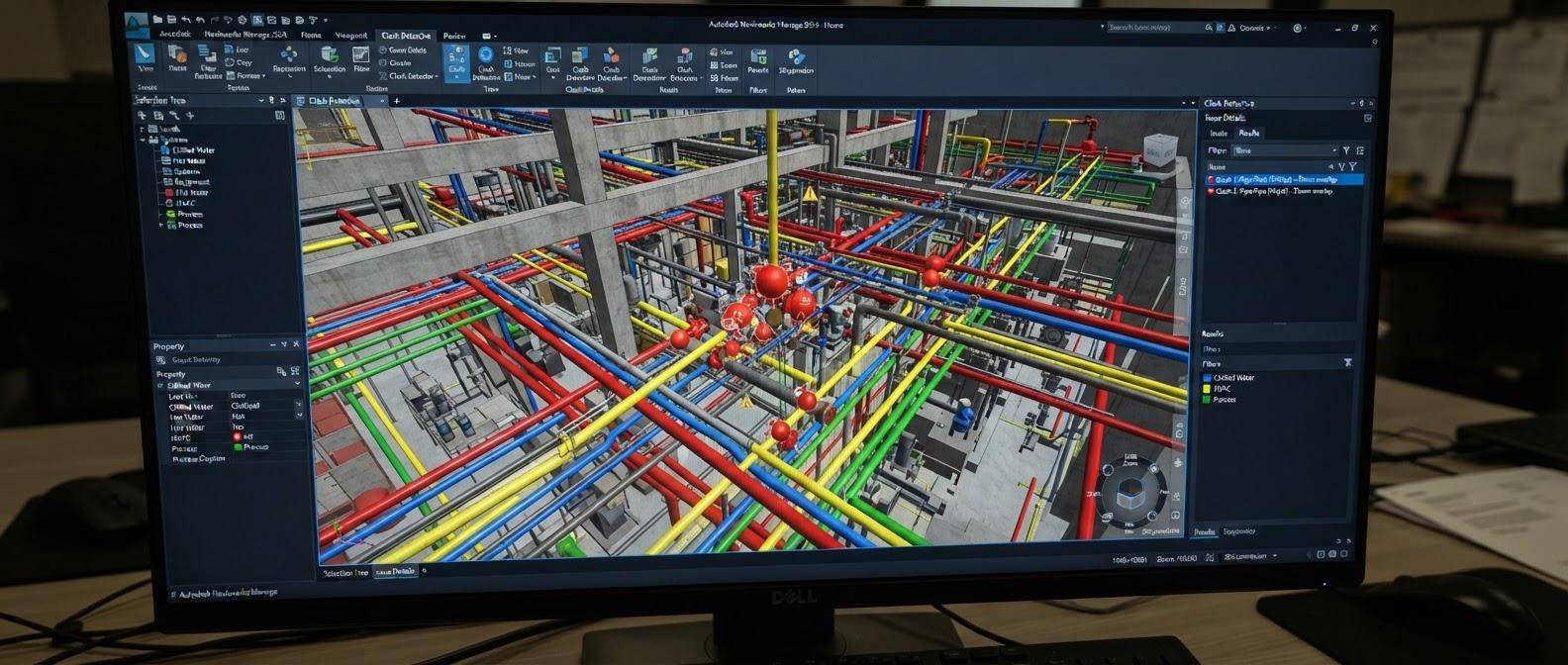
Navisworks Manage — BIM Coordination
Professional BIM coordination in Navisworks Manage — federated models, search sets, clash detection and reporting, re-testing, 4D TimeLiner simulation and quantification.
View DetailsThe complete architectural BIM workflow in Autodesk Revit — project setup, modeling, families, documentation, schedules, worksharing and live projects.
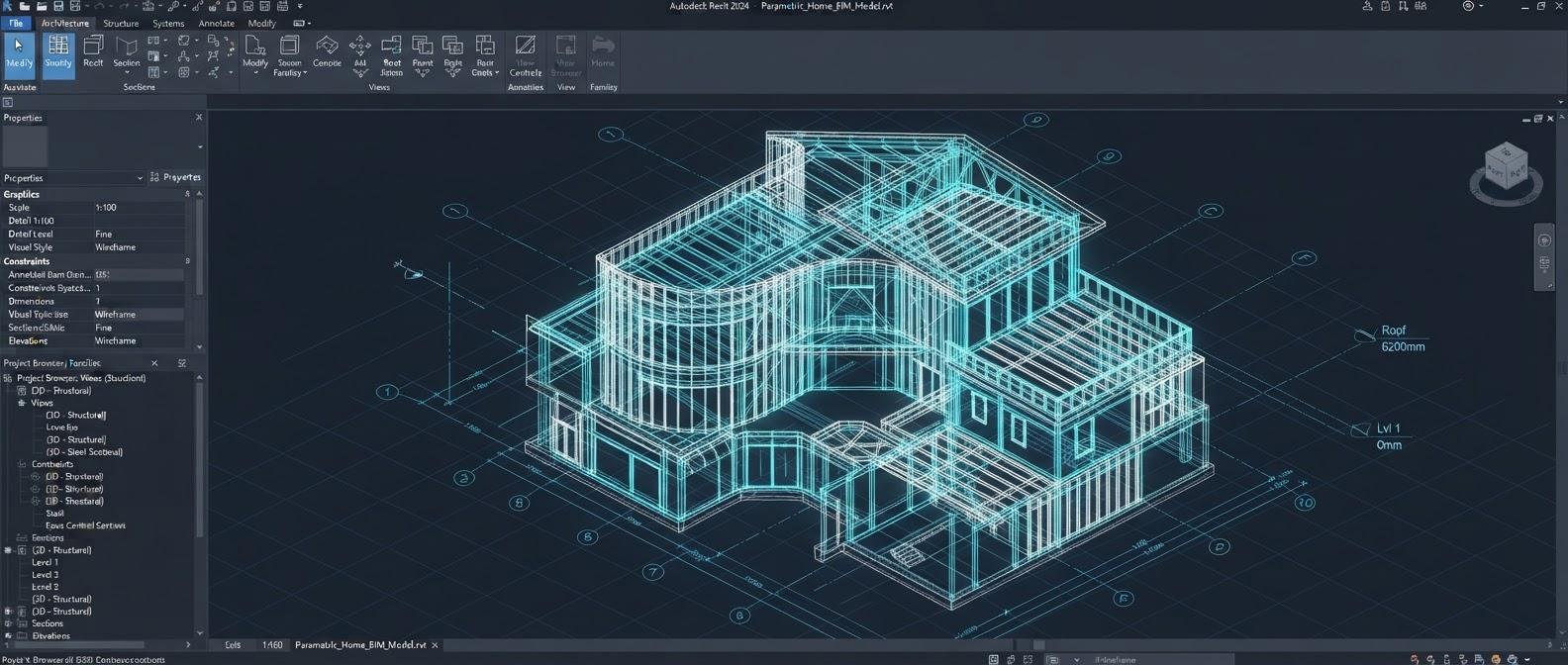
A 2-month professional course that takes you through the complete architectural BIM workflow in Autodesk Revit. You start with BIM fundamentals, project setup, levels and grids, then model walls, doors, windows, floors, roofs, ceilings, stairs, curtain walls and rooms. From there you build parametric families, control views and visibility graphics, and produce professional documentation: sections, callouts, details, sheets, schedules and material takeoffs. The final modules cover linking, Copy/Monitor, worksharing with a Central File and model quality control. You apply the full workflow on live projects — a multi-storey residential building, a commercial/mixed-use building, a hospital and an institutional campus building — and finish with a portfolio-ready BIM model and documentation package.
BIM concepts, model-based information, LOD concepts and the connection between geometry, information and documentation.
Ribbon, Properties, Project Browser, View Control Bar, navigation, selection, visibility and project environment.
Units, project information, browser organization, starting views and templates for a clean BIM project.
Building levels, grids, view relationships and reference planes for controlled parametric modeling.
Basic and compound walls, layers, materials, joins, wrapping, location lines, heights, offsets and custom wall types.
Door/window families, types, dimensions, hosting, sill/head heights, tagging, parameters and schedules.
Floor assemblies, openings, slopes, roof forms, ceiling layouts and clean relationships between architectural elements.
Runs, landings, risers, slopes and railings with practical modeling and documentation workflows.
Architectural columns, furniture, casework, fixtures and components with controlled placement and useful BIM information.
Curtain walls, grids, mullions and panels with repeatable façade modeling techniques.
Rooms, boundaries, tags, room data, area plans and spatial information for planning and schedules.
System, loadable and in-place families; reference planes, constraints, geometry and reusable parametric content.
Type/instance parameters, shared parameters and nested families for flexible content and scheduling.
Material definitions, appearance, identity information, assignments and material data for visualization and takeoff.
Plans, elevations, sections, 3D views, view range, detail level, visual styles and Visibility/Graphics.
Text notes, dimensions, leaders, symbols, tags and spot annotations with consistent documentation standards.
Coordinated sections and elevations, callouts, detail views and model-plus-2D detailing.
View templates, legends, drafting views and efficient organization of repeated documentation information.
Sheets, view placement, schedules, title blocks, drawing numbers, revisions and PDF output.
Door/window/room/material schedules, sorting, filtering, grouping, calculated values and quantity-oriented workflows.
DWG/RVT linking, positioning, visibility, reloads and linked-model organization.
Copy/Monitor for levels and grids, coordination changes and architectural interaction with structural/MEP models.
Collaborate tab, Worksharing, Central File, local copies, Synchronize with Central, Reload Latest, ownership, borrowing, relinquishing and worksets.
Worksets, visibility/ownership, warnings, model health, naming standards, audit/purge concepts, performance and BIM quality checks.
Complete workflow from drawing study to model, documentation, schedules, coordination review and final issue.
Architects, civil engineers, architectural draughtspersons and students of architecture or civil engineering who want a job-ready Revit BIM skill set.
Students and graduates in architecture, civil engineering or a related field, and working professionals. Basic computer skills are enough — no prior Revit experience is needed.
The Revit Architecture course runs for 2 months (8 weeks). The syllabus on this page lists what is covered, and you can download it as a PDF.
Yes. The course runs as classroom batches at our centre at Okhla Head, Jamia Nagar, New Delhi 110025, India, and as live online batches that follow the same syllabus.
No. Revit Architecture is used by anyone who models a building and produces drawings from that model: architects, civil engineers working on building design and documentation, and architectural draughtspersons. Students of architecture or civil engineering can start with it too.
No. Revit works differently from AutoCAD: you build one 3D model and the plans, sections, elevations and schedules are generated from it. AutoCAD knowledge helps when you link DWG drawings into a project, which the course covers, but it is not a prerequisite.
Compare this with our other BIM & Digital Construction courses, see the training projects students work on, meet our trainers, or read the BIM training FAQs.
Professional BIM coordination in Navisworks Manage — federated models, search sets, clash detection and reporting, re-testing, 4D TimeLiner simulation and quantification.
View DetailsRCC, structural steel and PEB modeling in Revit Structure — reinforcement and BBS detailing, analytical workflow, documentation, coordination and live projects.
View DetailsMechanical, electrical, plumbing and fire protection BIM in Revit — discipline-wise modeling, intelligent systems, documentation, coordination and four live projects.
View Details