Revit Architecture
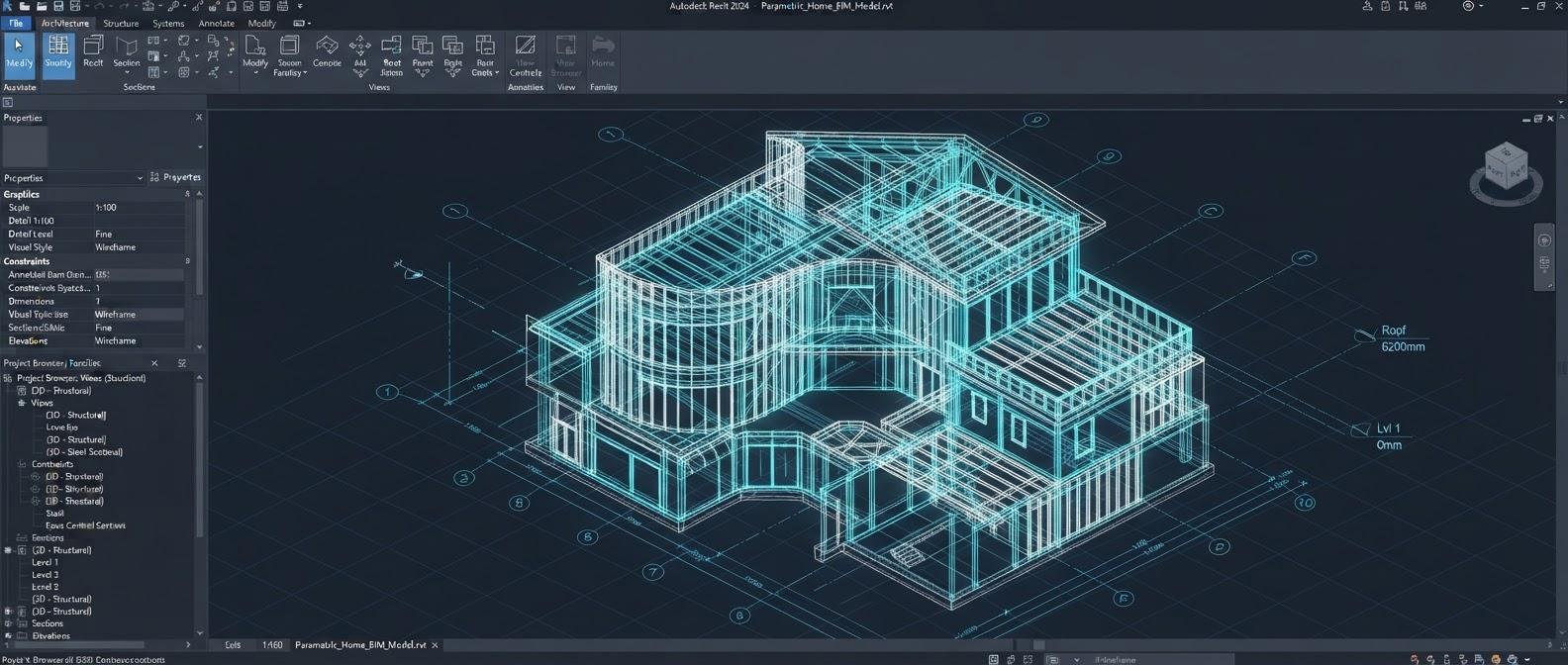
The complete architectural BIM workflow in Autodesk Revit — project setup, modeling, families, documentation, schedules, worksharing and live projects.
View DetailsProfessional BIM coordination in Navisworks Manage — federated models, search sets, clash detection and reporting, re-testing, 4D TimeLiner simulation and quantification.
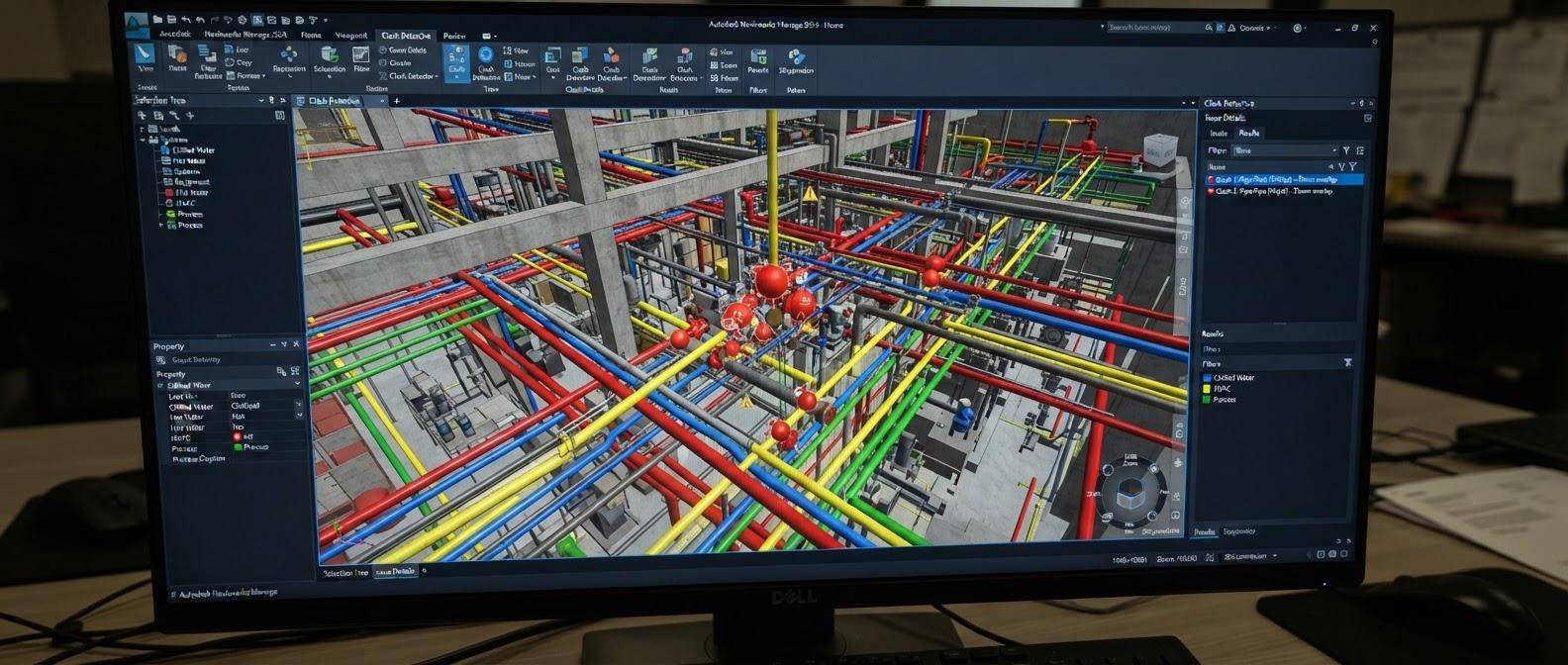
An 8-week professional course built around the practical Navisworks Manage workflow used for multidisciplinary BIM coordination. You combine architecture, structure, HVAC, electrical, plumbing and fire models into a federated model, organize model data, and build reusable Selection and Search Sets. You then prepare a clash matrix, run discipline-to-discipline clash tests, and review, group, report and re-test issues through a full coordination cycle, including the coordination meeting workflow. The course also covers TimeLiner 4D construction simulation, animation and model-based quantification. It ends with a commercial building project, a hospital project and a complete coordination + 4D portfolio project, so you finish with portfolio-ready coordination evidence.
BIM coordination concepts; role of Navisworks Manage; coordination lifecycle; federated models; project review workflow; practical expectations of a BIM Coordinator.
Ribbon/interface; navigation; selection tools; Scene View; Properties; units; options; workspace setup; project folder structure.
Working with common coordination files; Append vs Merge; NWC/NWF/NWD concepts; source model links; update/reload workflow.
Combine Architecture, Structure, HVAC/Mechanical, Electrical, Plumbing and Fire models; verify coordinates, orientation, levels and model completeness.
Understand hierarchy; search and navigate model objects; isolate disciplines and systems; inspect geometry and model structure.
Review object properties and metadata; compare elements; identify system/category information; use properties during clash investigation.
Create professional viewpoints; save/recall views; camera navigation; object visibility; appearance overrides; viewpoint-based review.
Section planes/boxes; inspect congested areas; isolate zones; investigate hidden intersections; create review-ready coordination views.
Color/appearance overrides; transparency; hidden/required elements; discipline-based visual organization; clear presentation for coordination meetings.
Create named sets for disciplines, zones and systems; organize reusable selections; update sets as the model changes.
Create rule-based searches using properties; build repeatable discipline/system selections; use sets to standardize clash tests.
Prepare an A-B coordination matrix; define which systems must be checked; establish test naming, tolerance strategy and review frequency.
Set up tests; choose Selection A/B; understand clash types and tolerance; run tests; inspect results; save test definitions.
Hard, clearance, soft and time-based concepts; test selection; tolerance; rules; reducing unwanted results; disciplined test naming and batching.
Zoom to clash; inspect both objects; review item properties; classify status; group related clashes; capture viewpoints; prepare issue information.
Configure report content; filter/group results; export reports; organize snapshots and viewpoints; maintain revision-wise coordination records.
Prepare the meeting model; issue list; viewpoints; discipline-wise discussion; assign actions; track responses; maintain meeting-ready documentation.
Reload updated models; rerun standardized tests; compare issue status; confirm resolved items; close the coordination cycle.
Import/prepare schedule data; create tasks; attach model geometry; configure task types; synchronize schedule information.
Link tasks to model objects; run the simulation; review the planned construction sequence; identify sequence/space conflicts; present 4D output.
Camera and object animation concepts; movement/sequence visualization; connect animation with TimeLiner where applicable; use simulation for planning review.
Create a takeoff structure; measure quantities; count components; review model-based quantities; organize basic takeoff outputs.
Architecture + Structure + MEP federation; clash matrix; major coordination tests; issue grouping; reports; re-test; final coordination package.
High-density MEP coordination; equipment/ceiling/service-space review; systematic clash tests; issue documentation; coordination presentation.
Federated model, clash detection, resolution workflow, final reports, TimeLiner 4D simulation, quantification, portfolio documentation and interview presentation.
BIM modelers, architects and civil, structural or MEP engineers who want to move into BIM coordination, and professionals who review or manage multidisciplinary models.
Basic knowledge of BIM or Revit modeling is recommended, along with the ability to read construction drawings.
The Navisworks Manage — BIM Coordination course runs for 2 months (8 weeks). The syllabus on this page lists what is covered, and you can download it as a PDF.
Yes. The course runs as classroom batches at our centre at Okhla Head, Jamia Nagar, New Delhi 110025, India, and as live online batches that follow the same syllabus.
Clash detection is an automated check for places where elements from different models occupy the same space or sit too close together, for example a duct passing through a beam. In Navisworks Manage you combine the discipline models, choose which systems to test against each other, run the tests, and then review, group and report the results so that each clash can be assigned and resolved.
It is recommended. Navisworks reviews and coordinates models that were built in authoring tools such as Revit, so basic BIM or Revit modeling knowledge and the ability to read construction drawings make the course much easier to follow.
Compare this with our other BIM & Digital Construction courses, see the training projects students work on, meet our trainers, or read the BIM training FAQs.
The complete architectural BIM workflow in Autodesk Revit — project setup, modeling, families, documentation, schedules, worksharing and live projects.
View DetailsRCC, structural steel and PEB modeling in Revit Structure — reinforcement and BBS detailing, analytical workflow, documentation, coordination and live projects.
View DetailsMechanical, electrical, plumbing and fire protection BIM in Revit — discipline-wise modeling, intelligent systems, documentation, coordination and four live projects.
View Details